
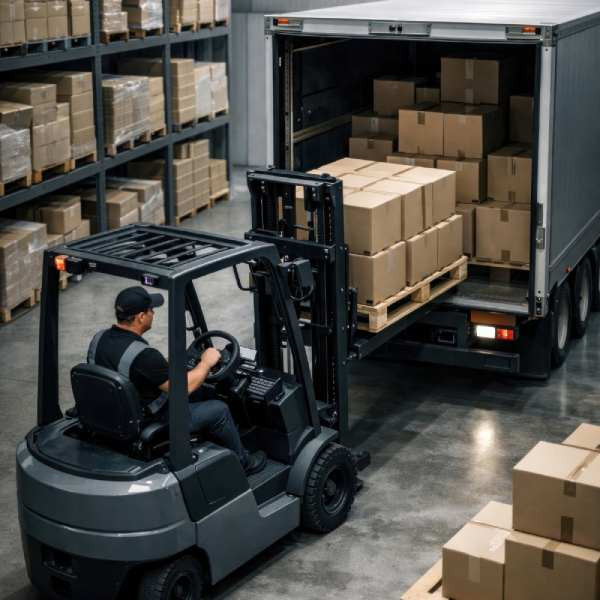
StowCargo: truck and container load planning
Web-based load planning software that takes packing lists from Excel, PDF or photos, places the load in a truck or container within seconds, and delivers 3D plans, axle loads, PDF reports and step-by-step warehouse loading on a phone.
- 92.6%
- average volume utilisation on the public BR1–BR7 container loading benchmark (internal measurement, 1 s per instance, October 2026)
- 16
- built-in truck and container types: 8 road vehicles (curtainsider, mega, reefer and flatbed trailers, 9.60 m and 7.50 m rigid trucks, light truck, panel van) and 8 containers (20', 40', 40' HC, 45' HC, open top and reefer)
- 4
- languages on the warehouse screen: Turkish, English, German, Russian (interface in Turkish and English)
Situation
Turkish manufacturers and exporters often plan shipments in Excel by dividing the cargo volume by the vehicle volume. That calculation ignores the real size, orientation and stacking of the cartons, so either the truck leaves half empty or the load does not fit at the warehouse, and the loading crew has no plan showing which carton goes where.
Foreign products (CargoWiz, EasyCargo, Goodloading, Cargo-Planner, CubeMaster) were not designed in Turkish and do not fit the Turkish exporter's workflow (ERP, packing list, CMR).
The goal: a simple product in Turkish that takes the packing list as it is, makes the best use of space, and carries the result to the warehouse and to the ERP.
Scope
- Load input: paste from Excel, CSV and Google Sheets; import from Excel, CSV, PDF, photos and StowCargo XML; column mapping and import templates; photos and scanned PDFs are read with on-device text recognition (never sent to the server)
- Placement engine: runs in the browser within seconds; "space first" by default, stacking and fragility rules optional; palletising, mixed fleet, multiple delivery stops, order groups, choosing where the load sits in the vehicle
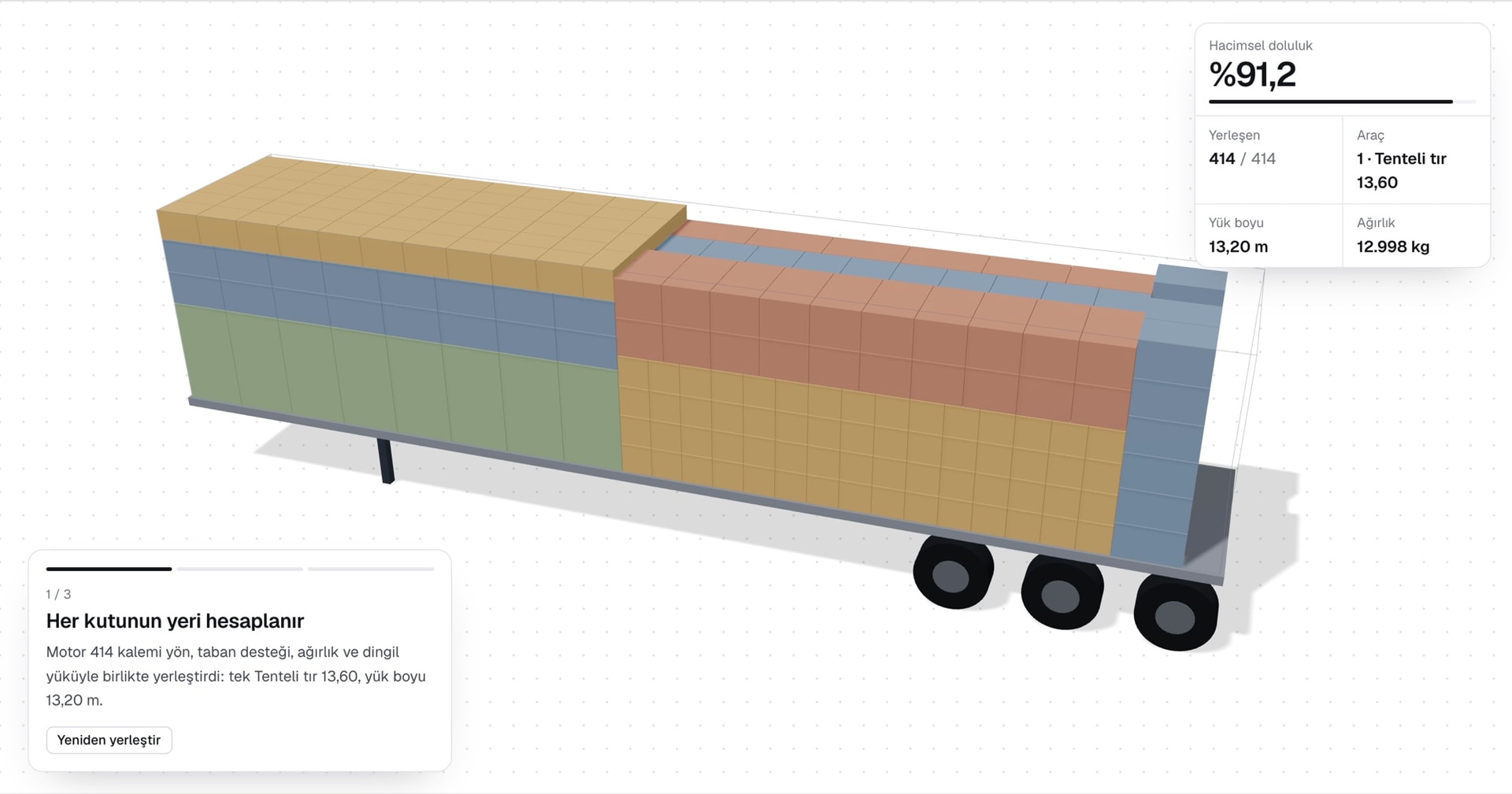
- Outputs: 3D technical drawing, estimated axle loads and securing advice, A4 PDF loading report, packing list, CMR information sheet, sequence labels with QR codes, Excel / CSV / XML
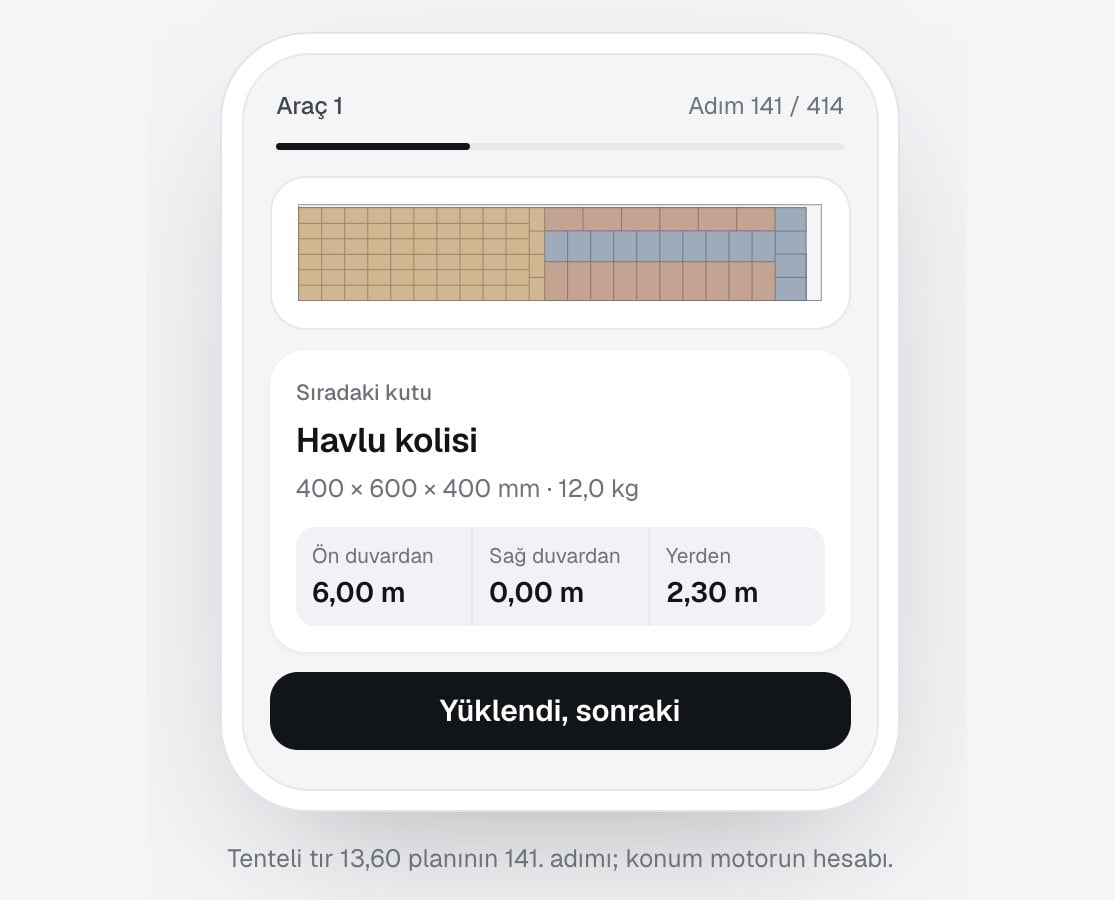
- Warehouse loading: a link that opens on a phone, step-by-step loading, live progress and a vehicle photo
- ERP connection: REST API, StowCargo XML 1.0 and JSON, OpenAPI definition, signed webhooks; custom integration with the client's ERP on request
- Team and security: roles (admin, member, viewer, customer), immutable activity log, enterprise sign-in (OIDC), admin panel with two-step verification
- Deployment: subscription on stowcargo.com or installation on the company's own server (Docker, PostgreSQL)
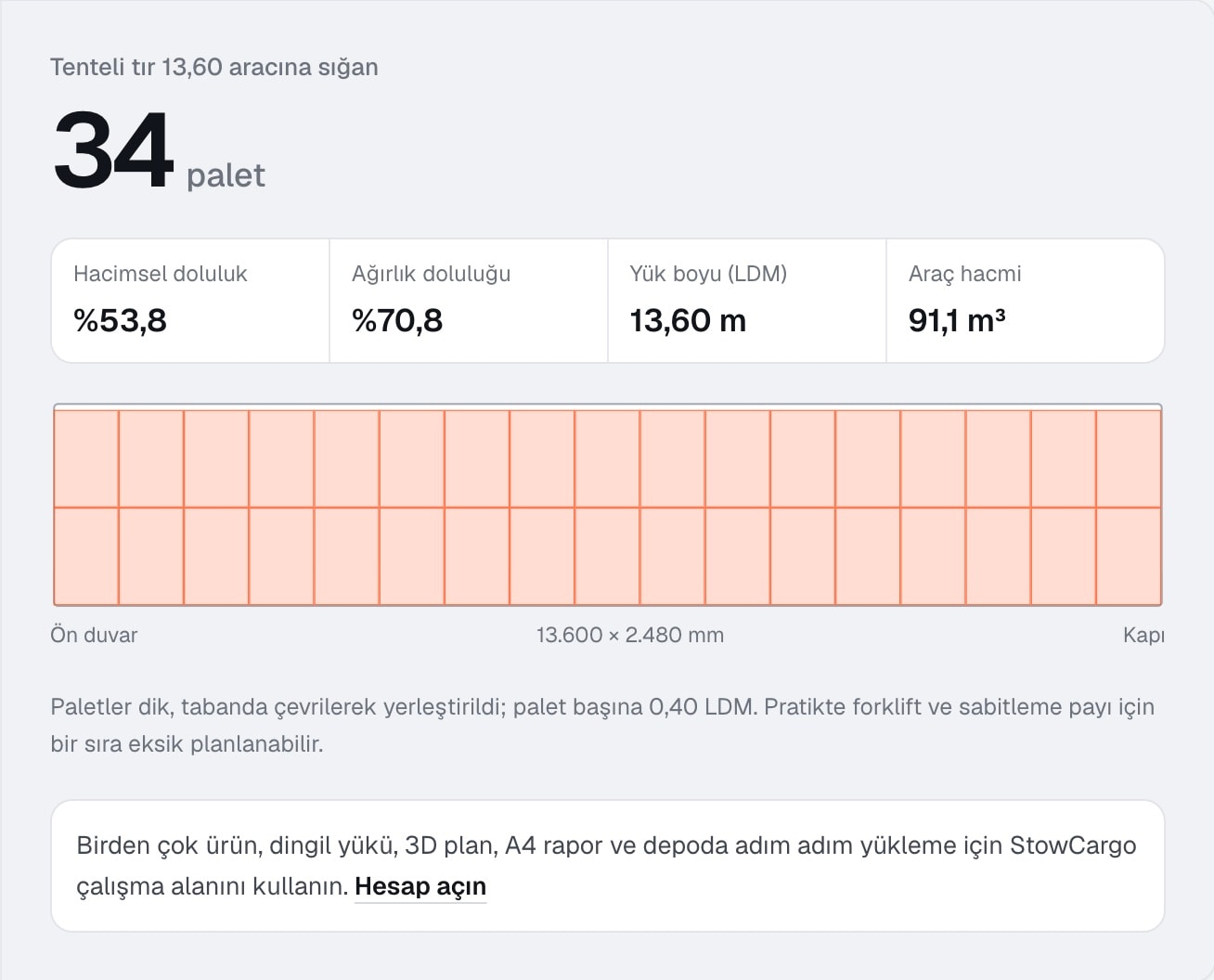
- Free tools: a load calculator that needs no account and a guide to truck and container interior dimensions
Implementation
The placement engine is written in Rust and compiled to WebAssembly to run in the browser; the same engine serves ERP requests on the server. It packs cartons block by block while tracking the free spaces in the vehicle, starts the load at the cab-side wall and pushes it against a side wall, the way loaders do. If very heavy cargo gathers at the front, it pulls the load back as far as needed to protect the tractor.
Every plan comes with a loading sequence the warehouse can actually follow: a carton is loaded after the ones beneath and in front of it. The warehouse link shows this sequence step by step on a phone; loading progress flows back to the plan, and a webhook goes to the ERP when loading is done.
The server runs two separate databases (site and ERP). User and admin actions are written to a hash-chained, append-only activity log.
Result
The platform is live (stowcargo.com) and sold by subscription; development continues. The engine's utilisation was measured on the public BR1–BR7 benchmark: 92.6% on average (internal measurement, October 2026).
Samples from pilot companies are awaited for field trials with real customer packing lists.
Engine in the browser
Placement runs on the device within seconds; packing lists and photos are not sent to the server by default.
Space first
The default goal is filling the vehicle best; stacking and fragility rules can be switched on when needed.
On the warehouse phone
With the link the planner sends, the crew loads cartons in sequence; progress and a vehicle photo flow back to the plan. In four languages.
Connected to the ERP
StowCargo XML and JSON, an OpenAPI definition and signed webhooks; Mipo builds custom integration with the client's ERP on request.
Reports in drawing language
A4 loading report, packing list, CMR information sheet and sequence labels with QR codes.
On your own server too
Installation on the company server with Docker, enterprise sign-in (OIDC), two separate databases.
Planning a similar project?
Tell us the current state; we'll fix the scope and timeline in writing.