
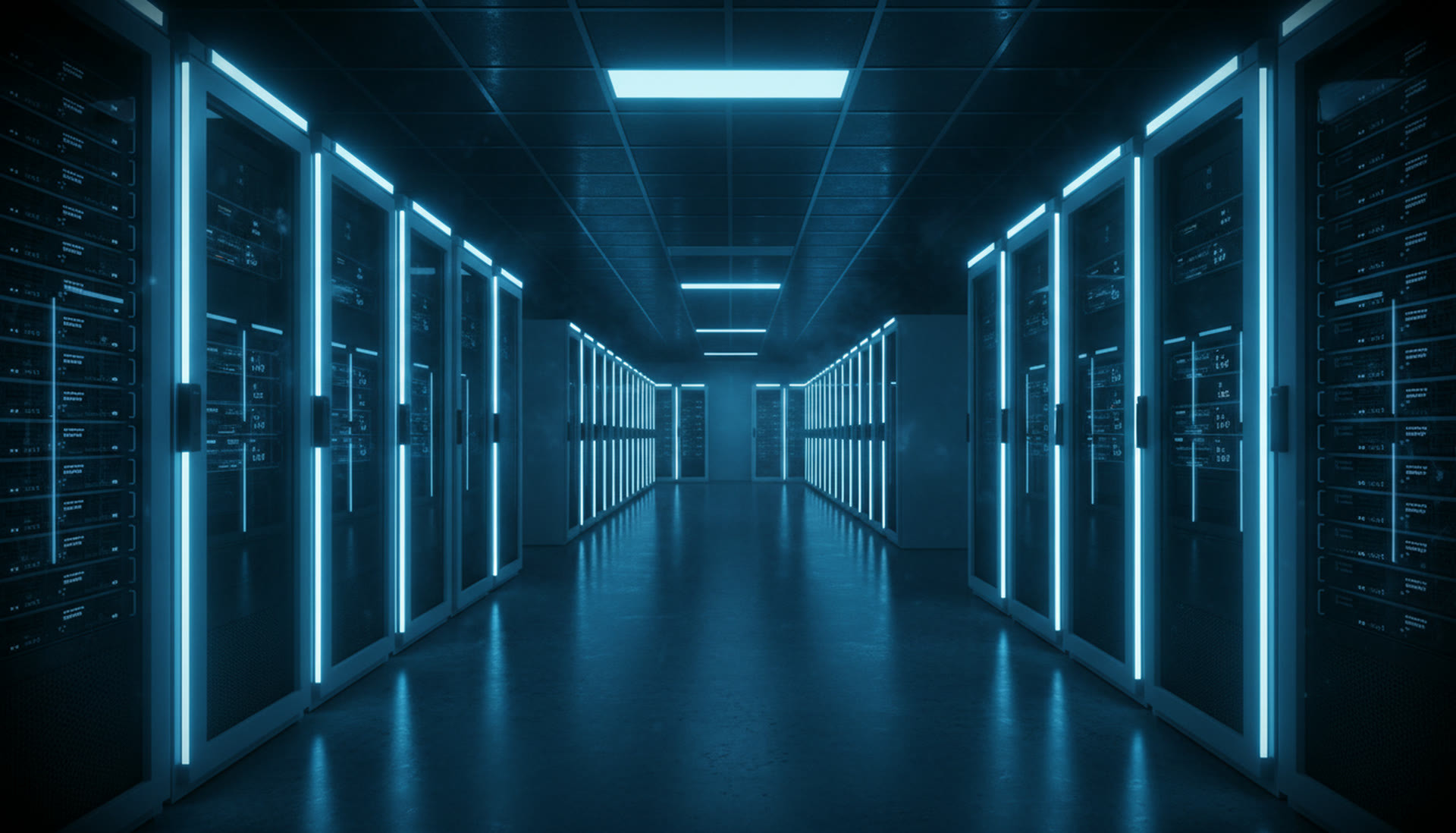
Server and Data Centre
The server room is the organisation's most expensive and most invisible asset. When installed correctly, it goes unnoticed for years.
- ApplicationL6
- VirtualisationL5
- Operating systemL4
- StorageL3
- Server hardwareL2
- Cabinet and cablingL1
Bottom to top: from physical infrastructure to application. Each layer has its own delivery document.
Mipo builds server and data centre infrastructure end-to-end: cabinet and cabling layout, server mounting, virtualisation, storage, backup and disaster recovery configuration. Continuous monitoring and maintenance of the installed infrastructure is carried out under the maintenance agreement.
A server room from the bottom up, layer by layer.
Infrastructure is not a single job — it is layers stacked on top of each other. An installation that skips a layer makes everything above it fragile.
Application
The organisation's business software and databases
Virtualisation
Virtual machine layer, resource planning and redundancy
Operating system
Installation, hardening, patch management
Storage
Disk array, RAID configuration, shared storage
Server hardware
Rack mounting, redundant power, remote management card
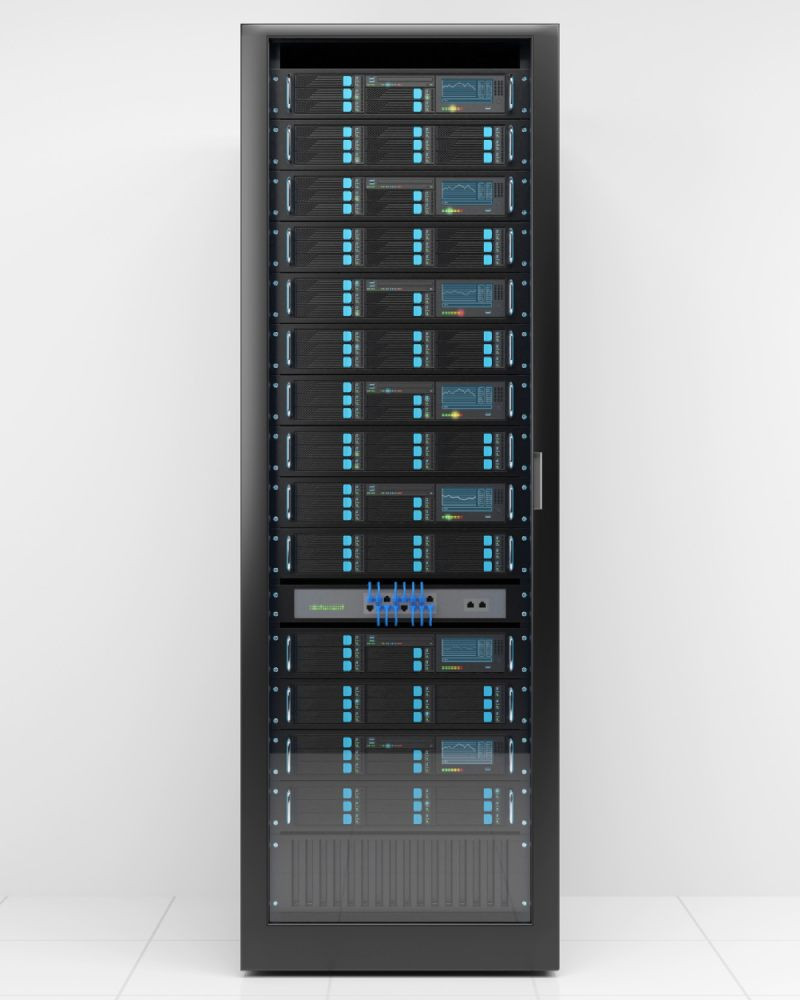
Cabinet and cabling
Layout, power distribution, labelled cabling, cooling
For a data centre build we measure first, then quote.
Measurements are taken before installation. Capacity, coverage and downtime window are not determined by estimation.
Load measurement
Current CPU, memory and disk utilisation is measured. Capacity planning is not done on estimates.
Physical survey
Room temperature, power capacity, cabinet space and cable routes are inspected on-site.
Continuity threshold
How long the organisation can be down and how much data it can afford to lose is defined in writing.
Migration window
The permitted downtime window and rollback scenario are planned.

What we build servers and storage with.
- Virtualisation
- VMware · Hyper-V · Proxmox
- Storage
- SAN · NAS · RAID configuration
- Backup
- Local + remote site + restore test
- Redundancy
- Dual power supply · redundant network connection
- Management
- Remote management card (out-of-band)
- Monitoring
- Hardware health · capacity · backup status
Installation time varies with scope · typically 2–6 weeks
When the server installation is done, what you hold.
Infrastructure without documentation is infrastructure dependent on whoever built it. The delivery file is prepared so another team can take over.
- Cabinet layout diagram (rack elevation)
- Network and power connection diagram
- Virtualisation and resource allocation table
- Backup policy and retention periods
- Restore test report
- Go-live and acceptance certificate
Questions about server and data centre.
Yes. Physical migration or migration to a virtual environment is carried out within a planned maintenance window. A full backup is taken before transition and a rollback scenario is prepared.
The existence of a backup is not sufficient; regular restore tests are performed and results are reported. An untested backup is not a backup.
It depends on usage profile, data volume and regulatory requirements. A comparative cost analysis is produced; if the result favours cloud, we say so plainly.
In most scenarios a planned, short maintenance window is required. For critical systems, parallel running minimises downtime.
Cabinet diagram, network diagram, configuration document and test report are included in the delivery scope.